SmartPrint

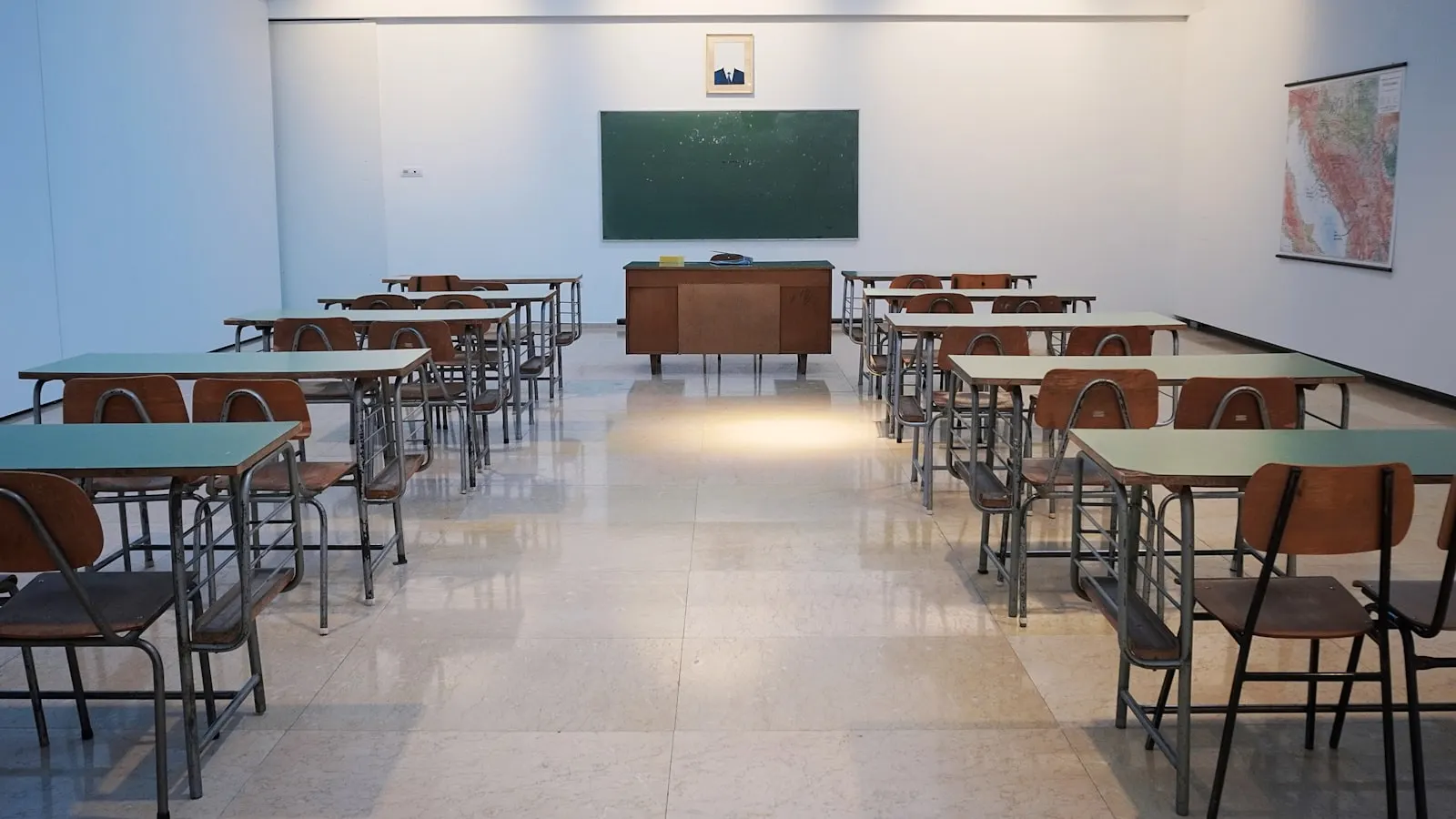
教室场景

A4 教室规则海报

规则表往往比一张 A4 更大。把清晰图文拼成四页,需要时可覆膜,挂在视线高度。

Large enough to read from the back of a typical classroom
A4 paper matches most school printers worldwide
Re-export anytime you update the rules list
打开教室预设

分步操作

  1. Start from the classroom A4 2×2 preset.
  2. Upload your rules PDF or PNG (high-contrast text works best).
  3. Check that line breaks do not fall awkwardly on tile edges.
  4. Print at 100% scale — never fit-to-page.
  5. Assemble, then laminate or pin to a bulletin board.

实用提示

  • Use sans-serif type at large sizes in your source file for readability.
  • Number rules in the artwork so students can reference them out loud.
  • Keep a spare PDF on a USB stick for reprinting mid-year.

常见问题

Is 2×2 big enough?

For most rooms, yes. Move to 3×2 or 3×3 if you need hallway-scale visibility.

Can I print from the school computer?

Yes. SmartPrint runs in the browser — download the PDF and print from the lab machine.

Color or black-and-white?

Black-and-white is fine for rules. Use color sparingly for icons so ink lasts.
更多场景

规则表 · 2×2 A4

规则表 · 2×2 A4

2×2 · 4 sheets · A4